
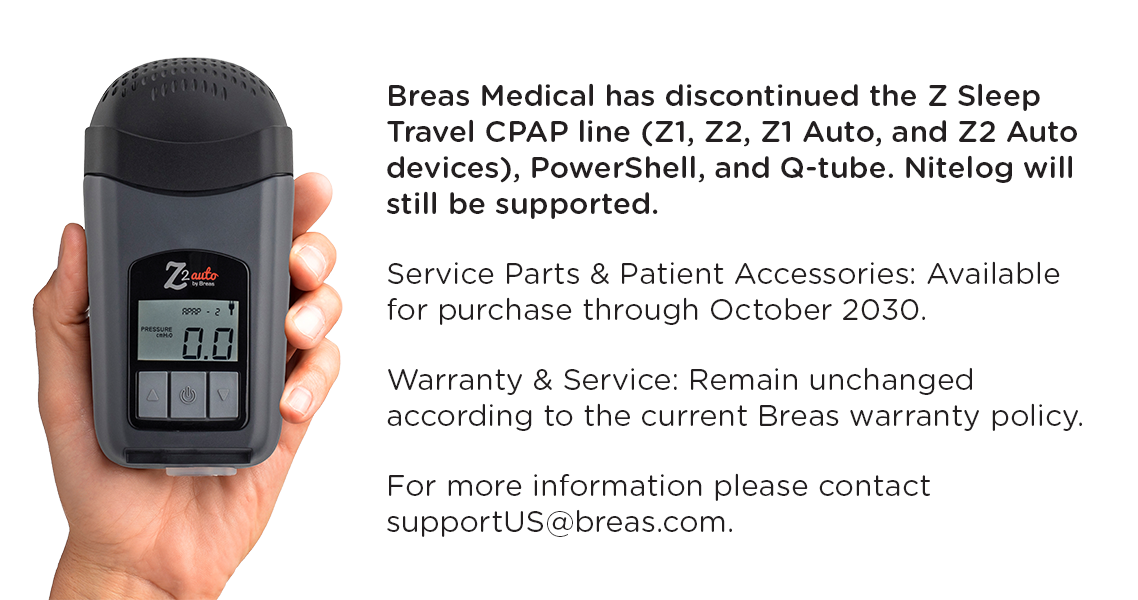
You can change the date and time on your Z2 Auto, by connecting it to our Nitelog app on an iPhone/iPad or most Android devices. The app should prompt you to sync to the local date and time upon start up. If it does not, or if you accidentally hit “no” when prompted, swipe left at the main screen of the Nitelog app (that shows your Z2 screen) to access the settings menu. You can manually adjust the date and time on this page.
How do I change the date and time on the Z2 Auto?
Share This Story, Choose Your Platform!
About the Author: smallcpap

Leave A Comment